Quick Reaction
Wait for the signal. Tap when it’s time. A simple exercise in timing.
A STASH STUDIO APP / ANDROID
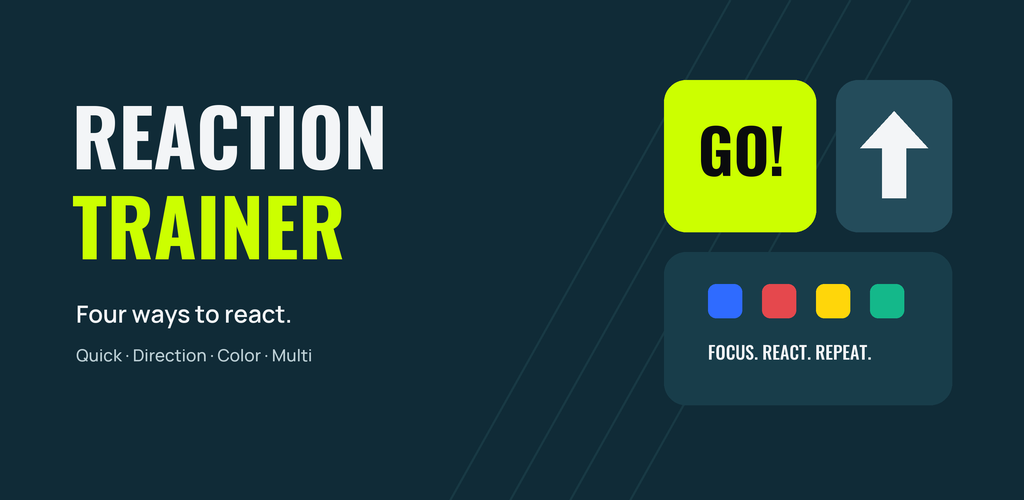
Meet Reaction Trainer. Four recreational reaction modes, short practice sessions, and a clear view of your own progress.
Android 8.0+ · Offline practice · No account
For current release and download information, contact the studio.
YOUR SESSION. YOUR PACE.
Use saved preferences for a Quick Start, build a session, or take on the daily challenge.
Wait for the signal. Tap when it’s time. A simple exercise in timing.
Read the arrow and match it with a button or a swipe.
Respond to your target color. Let the other signals pass.
Switch between arrows, taps, and holds in a sequence.
FOLLOW YOUR OWN RESULTS
Look back at sessions, individual attempts, reaction-time averages, and accuracy. Follow daily challenge completions and your streak.
Compare results on the same device. Display, touch latency, and your environment can affect the numbers.
Track your best recorded times in Quick, Direction, and Color.
Choose Easy, Medium, or Hard. Adjust sound, haptics, appearance, and accessibility labels.
No ads, analytics, or sign-in. Training records stay in app-private storage; Android backup or device transfer may include them when enabled.
A SIMPLE ROUTINE
Choose the kind of reaction you want to practice and set a session length.
Find a comfortable place to focus, then tap, swipe, or hold as instructed.
Review your results, take a break, and return whenever you feel ready.
Get help with settings, training modes, reminders, and your local data.
Visit support